
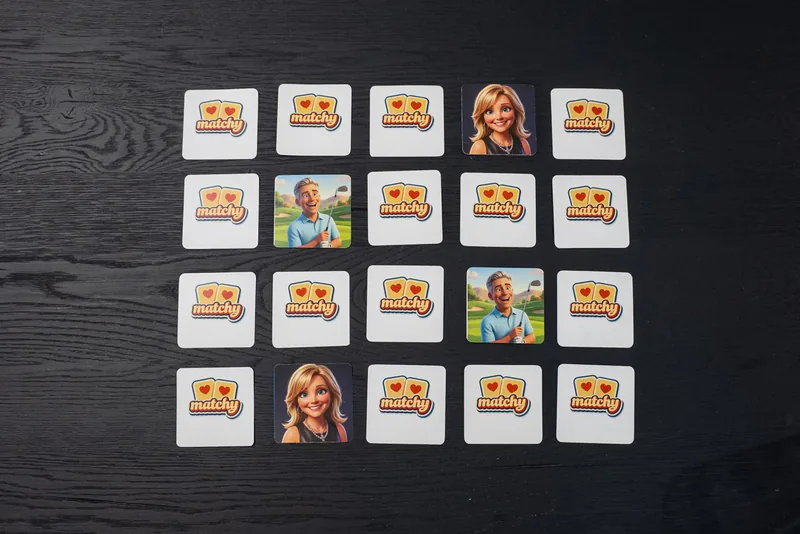
Here is how to make a shared family photo album: create one shared album in a photo app everyone can use, invite every household, and agree on two or three simple rules. Then name a keeper who tidies it and prints the favorites. Matchy Matchy turns your own photos into a memory card game, which is one good home for the best shots once the album fills up.
Below are the steps, where the album should live, what to add, and how to get the photos off the screen and onto the table.
How to make a shared family photo album, step by step
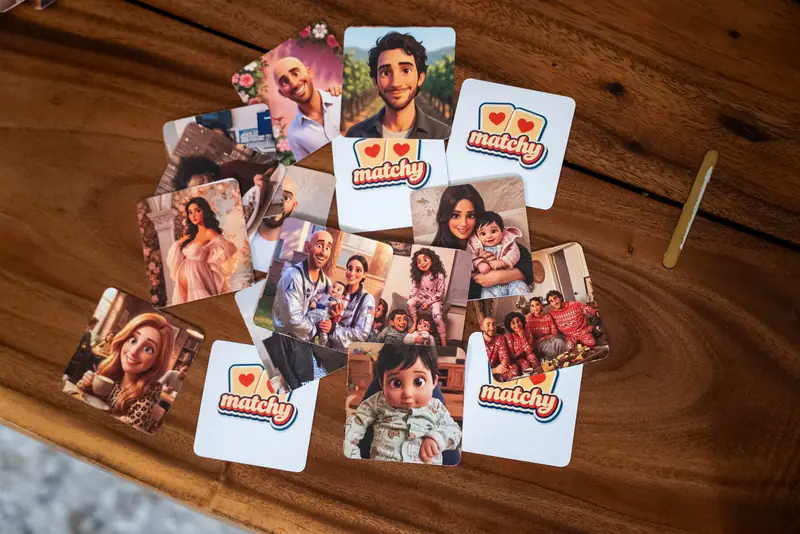
Making a shared family photo album takes about ten minutes. Keeping it alive takes a little nudging.
- Pick one place. Choose a photo app or cloud folder that works on everyone's phones.
- Give it a clear name. Use your family name plus one word. Short names are easier to find in a crowded phone.
- Invite every household. Send the invite link to the family group chat. Help the grandparents join in person.
- Add the first twenty photos yourself. An empty album gets ignored. A full one gets people posting.
- Set two or three rules. Keep them short enough to fit in one text.
- Name a keeper. One person tidies, removes the blurry doubles and saves backups.
- Nudge after every gathering. Ask everyone to drop their best five photos before they leave.
The keeper matters most. Pick the cousin who already sends the photos around, and thank them in public. A shared album with a keeper grows for years. One without a keeper fills up for a few weeks, then goes quiet.
Where should a shared family album live?

A shared family album should live wherever the least techy relative can still open it. The fanciest tool is useless if Grandpa never sees a single photo.
- A shared album in a phone photo app. Easy for families on the same kind of phone. Photos appear in everyone's feed.
- A shared cloud folder. Works across any phone or computer. Better for full size originals.
- A printed album that travels. For relatives who are offline, one album gets mailed from house to house, and each home adds a page.
Two of these together work well. The app album holds everything. The printed album holds the best of it.
What rules keep a shared album tidy?
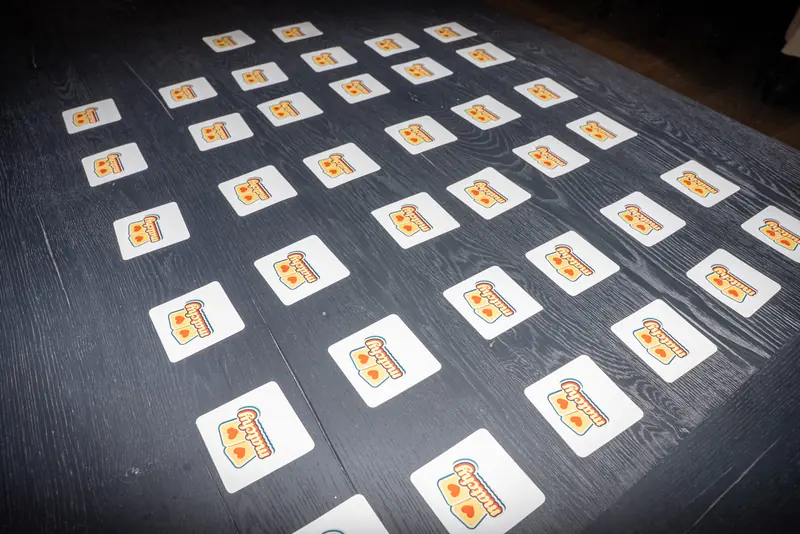
A shared album stays tidy with a few light rules everyone can remember. Too many rules and nobody posts.
- Best five, not fifty. Post your favorite shots from an event and keep the rest on your phone.
- Faces welcome, screenshots never. The album is for family photos, so skip memes and receipts.
- Ask before posting someone. Teens especially like a say.
- Add a short caption. Who, where, and what happened.
- One album per family. Separate albums for each trip get lost. Use captions to sort instead.
Pin the rules as the first photo in the album, written on a sticky note. New members see them the moment they join.
What should everyone add to the album?

Everyone should add the everyday photos only they took. A shared album shines because each person sees a different side of the family.
- From the grandparents. Scans of old prints: wedding photos, the first house, baby pictures of the parents.
- From the parents. The grandkids on an ordinary school day, the first bike, the lost tooth.
- From the teens. The candid shots nobody else catches.
- From the aunts and uncles. Their trips, their pets, their side of the holidays.
- From everyone. One group photo at every gathering, plus the blooper from the same moment.
Ask a fun question in the family chat now and then, like who has a photo from the old lake trip. Old photos start turning up.
How do you turn a shared album into something you can hold?

A shared family album turns into something you can hold when the keeper prints the favorites once a year. Make a photo book, a framed print for each house, or a game. Matchy Matchy Memory turns the album's favorites into a deck the whole family plays. Here are the plain facts.
- What it is: Matchy Matchy prints your own photos as a memory card game.
- The two games: Matchy Matchy Memory keeps your real photos, from $19.99. Matchy Matchy Magic re-draws them in 3D Film, Watercolor or Anime, from $29.99.
- Sizes: Choose 12, 24 or 48 cards.
- Before you pay: With Matchy Matchy Magic, you see your first card.
- How you order: You upload from your phone at matchygame.com.
- Shipping: Shipping is $5, and free when you order 2 or more decks. US only, ships in 3 to 5 business days.
A photo game suits a family that plays together at the holidays. If you want every photo from the album in print, a photo book holds far more.
How do you play a game made from the family album?

You play a family album game with the classic rules: lay the cards face down, flip two, and keep a match. A few house rules tie it back to the album.
- The photographer rule. Whoever took the photo tells the story when it gets matched.
- The bonus card. Find a photo you posted yourself and take one extra turn.
- Team play. Pair each grandchild with a grandparent.
- The next deck. The winner picks three photos from the album for next year's game.
A 24-card deck makes a relaxed round after a holiday meal. A 48-card deck fits a big family with many contributors, so every household spots its own photos.
Ready to make your own?

Open your shared album and star the favorites. Choose real or re-drawn. Choose 12, 24 or 48 cards. Upload from your phone.
Start with Matchy Matchy Memory to keep the album photos just as they are, or try Matchy Matchy Magic to see the whole family re-drawn in 3D Film, Watercolor or Anime. Order early for Christmas. Questions? Write to us at hello@matchygame.com.